The Psychology of Website Navigation: How Users Think
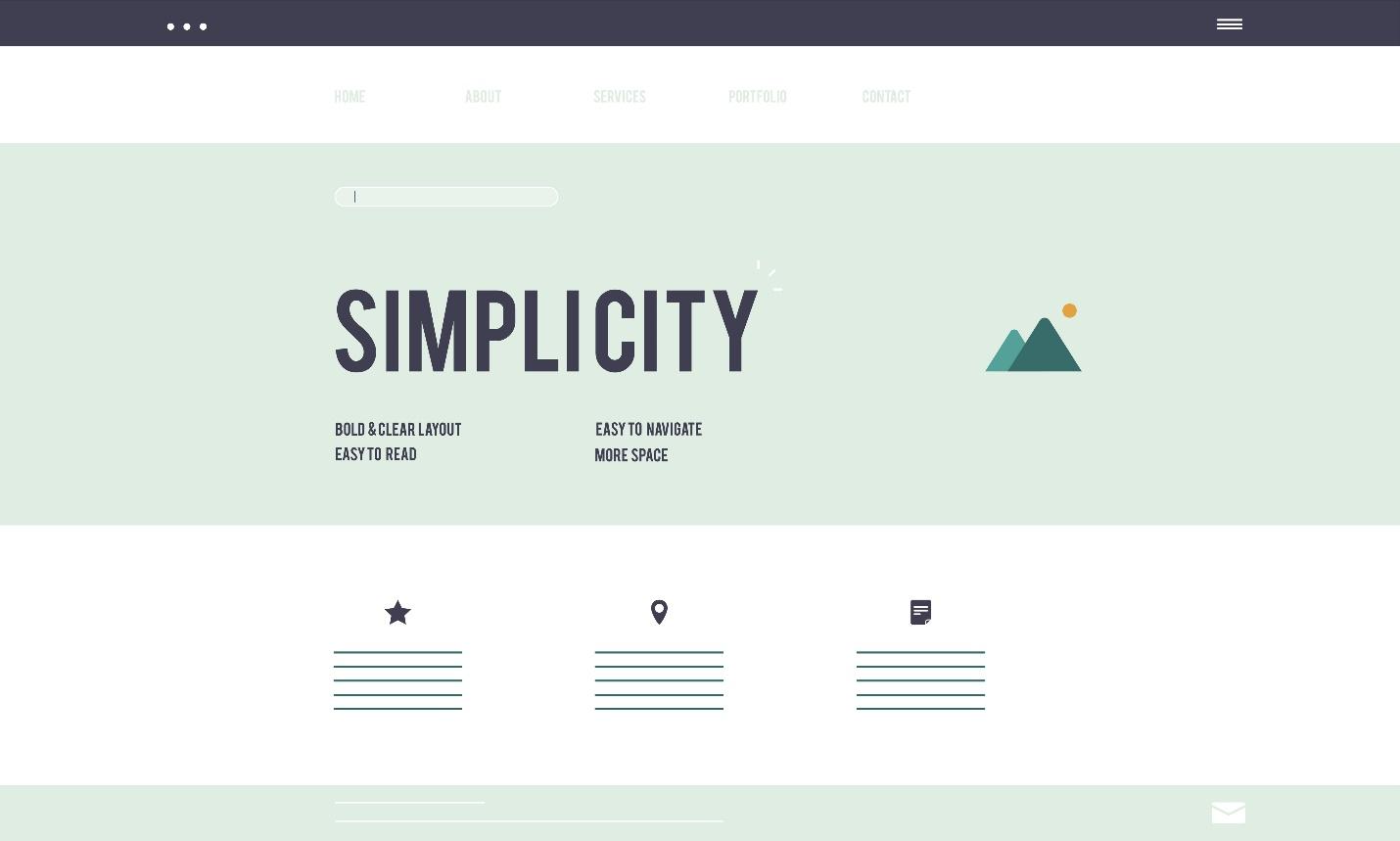
When someone visits a website, they often make decisions without even realizing it. They click, scroll, and browse based on habits and expectations formed over time. This is where understanding how users think comes into play—especially when it comes to website navigation.
If your website doesn’t “feel right” to visitors, they’ll leave. But when the navigation flows naturally, people stay longer and are more likely to take action—like filling out a form, buying a product, or calling your business.
So, what actually goes on inside a user’s mind when they move through a website? Let’s break it down.
Users Look for Speed and Simplicity
Most users don’t read every word on your site. They scan. They look for headings, buttons, menus, and anything that helps them get to what they want quickly. If the layout is too cluttered or the menu is confusing, they get frustrated and exit.
People also have limited attention spans. They’re not there to explore—they’re there to solve a problem. That means your navigation should be clear, simple, and to the point.
Familiar Layouts Work Better
While it’s tempting to design something unique, studies show that users prefer websites that work like the ones they already know. For example, placing the menu at the top or left side of the page is common because users expect it there.
If your website has an unusual structure, visitors have to think harder—and that’s rarely a good thing. When in doubt, stick with familiar formats. It helps users move around without feeling lost.
The First Few Seconds Matter
The first thing people do when they land on a site is try to figure out if they’re in the right place. They’ll look for clues in the headline, logo, and navigation menu. If they can’t figure it out within a few seconds, they often leave.
Clear labeling helps. Instead of using creative names for pages, stick to what people understand—like “Home,” “About,” “Services,” “Contact,” and so on. The goal is to reduce the effort it takes for someone to find what they’re looking for.
People Rely on Predictability
When users hover over a menu or click a button, they expect a certain result. If that doesn’t happen—like if a link leads to a blank page or the wrong section—it breaks their trust.
For example, if someone clicks “Blog” and ends up on a service page, they may assume the site is broken or disorganized. Predictability creates a smoother user experience and helps visitors stay engaged longer.
Search Bars Can Be a Lifesaver
Not everyone wants to use your menu. Some prefer typing in a keyword and jumping straight to what they need. A clear, easy-to-find search bar can make a big difference—especially on larger websites with lots of pages or products.
Make sure your search function actually works well. If it returns zero results for common terms or shows irrelevant pages, it does more harm than good.
Mobile Experience Counts Too
These days, more people browse websites on their phones than on computers. So, your navigation needs to work well on small screens. That means menus should be easy to tap, text should be readable without zooming, and pages should load quickly.
A site that’s hard to use on mobile can cost you visitors—and potential customers.
How Businesses Are Getting Help
Understanding how users think is a skill that takes time and testing. That’s why many businesses turn to experts for help with layout, structure, and design choices. For example, companies offering digital marketing services in Bhubaneswar often work closely with web designers to create smooth user experiences that lead to better results.
These teams use data like heatmaps, click tracking, and bounce rates to improve site performance over time. It’s not just about looks—it’s about how real users interact with the site.
Test, Improve, Repeat
Even if your site seems fine, it’s important to keep testing. Something as small as changing the placement of a button or rewording a menu item can improve click-through rates and conversions.
User feedback matters too. Ask your customers what they like or don’t like about your site. Their insights can point you toward simple changes that make a big difference.
Teams who offer digital marketing services in Bhubaneswar often include A/B testing and performance reviews as part of their service, helping you make better decisions based on real behavior.
In Conclusion
Website navigation isn’t just about menus and links. It’s about understanding how people think and making their experience as smooth as possible. When users feel at ease on your site, they’re more likely to stay, explore, and take action.
Keep things simple, test often, and think like a visitor—not a designer. That mindset alone can help your website perform better than you ever expected.


Comments
Post a Comment